


Apr 27, 2026
Strutt Co-design Kit
At Strutt, we believe mobility is deeply personal and shaped by the way you live and the spaces you move through everyday. To make more room for personal ideas, thoughtful modifications, and solutions that come from real lived experience, we're documenting and sharing an array of design files for the ev¹. We hope it helps to foster a creative and collaborative community and contributes to the vision that the ev¹ grows alongside the people who use it.
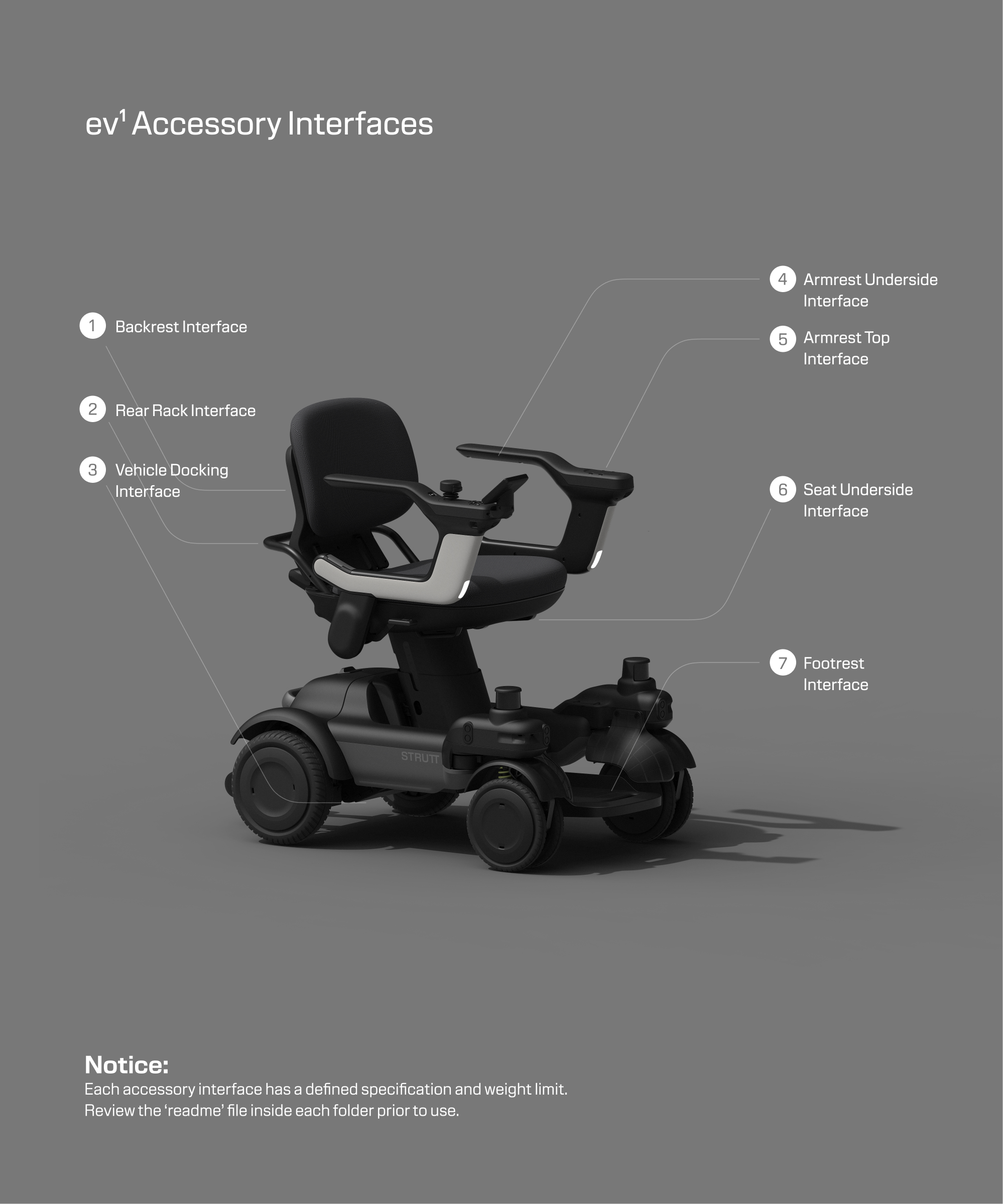
Accessory Interface Overview
Utilize the files and documentation here to create accessories which connect perfectly to your vehicle.
Download
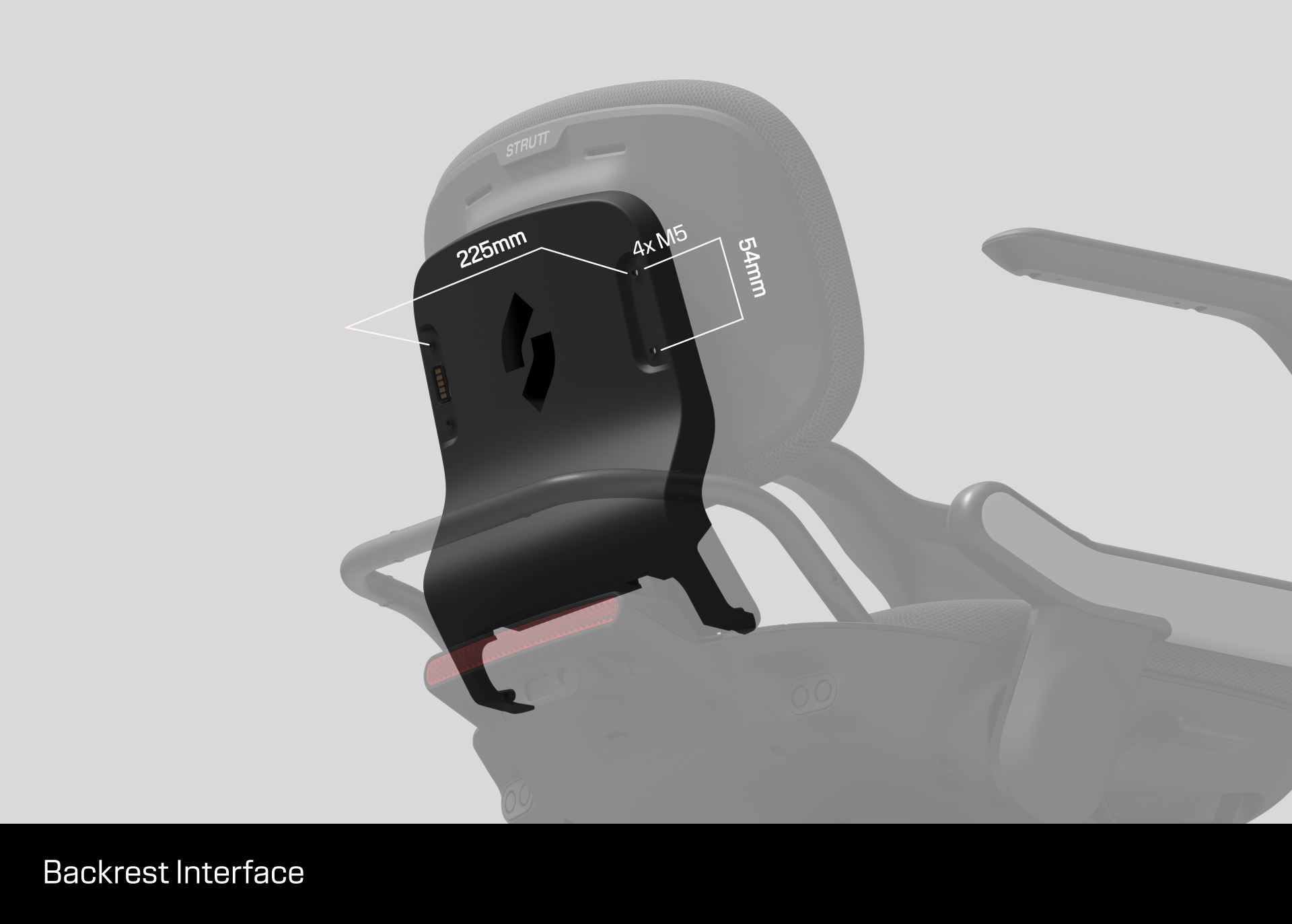
1. Backrest Interface


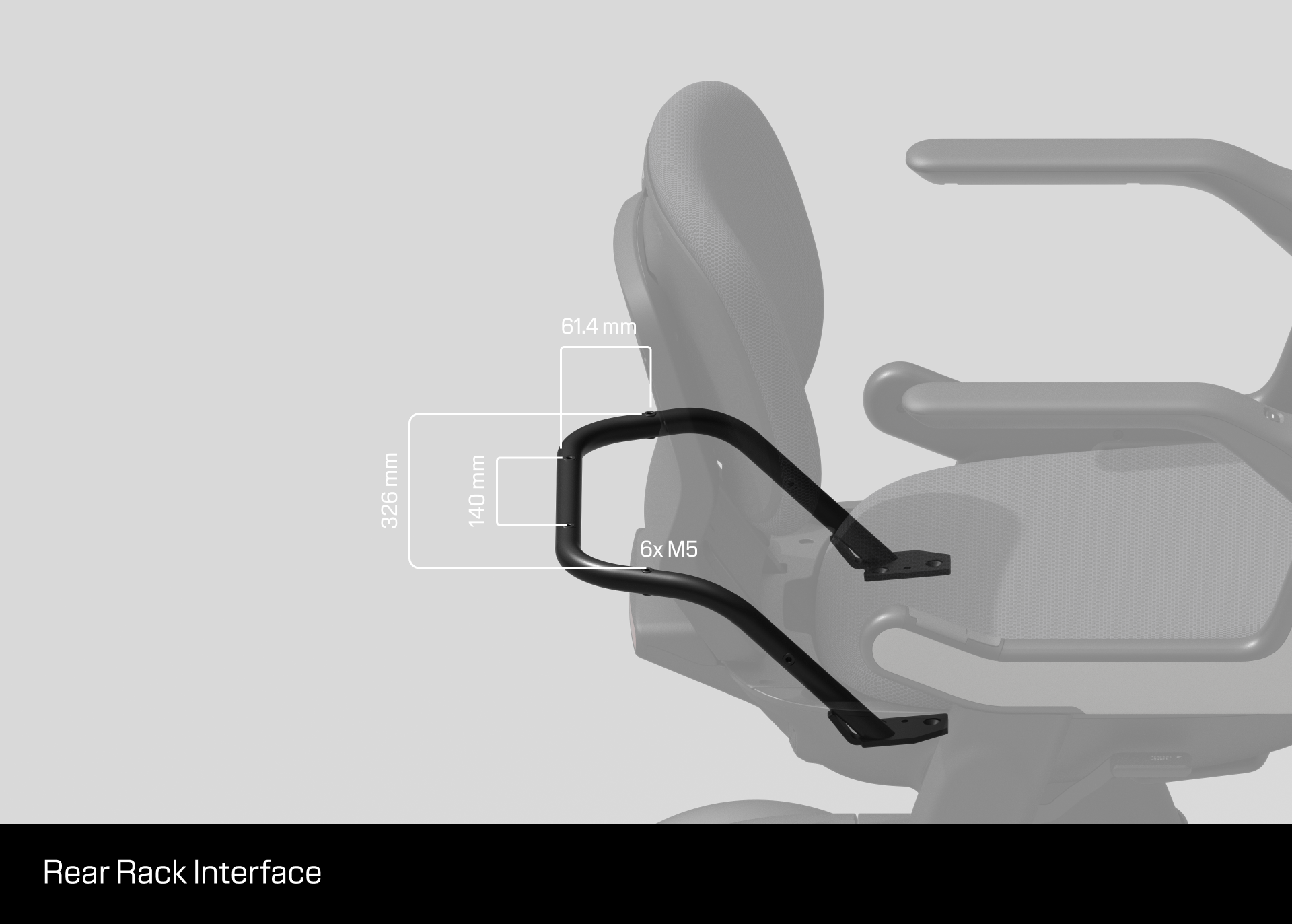
2. Rear Rack Interface
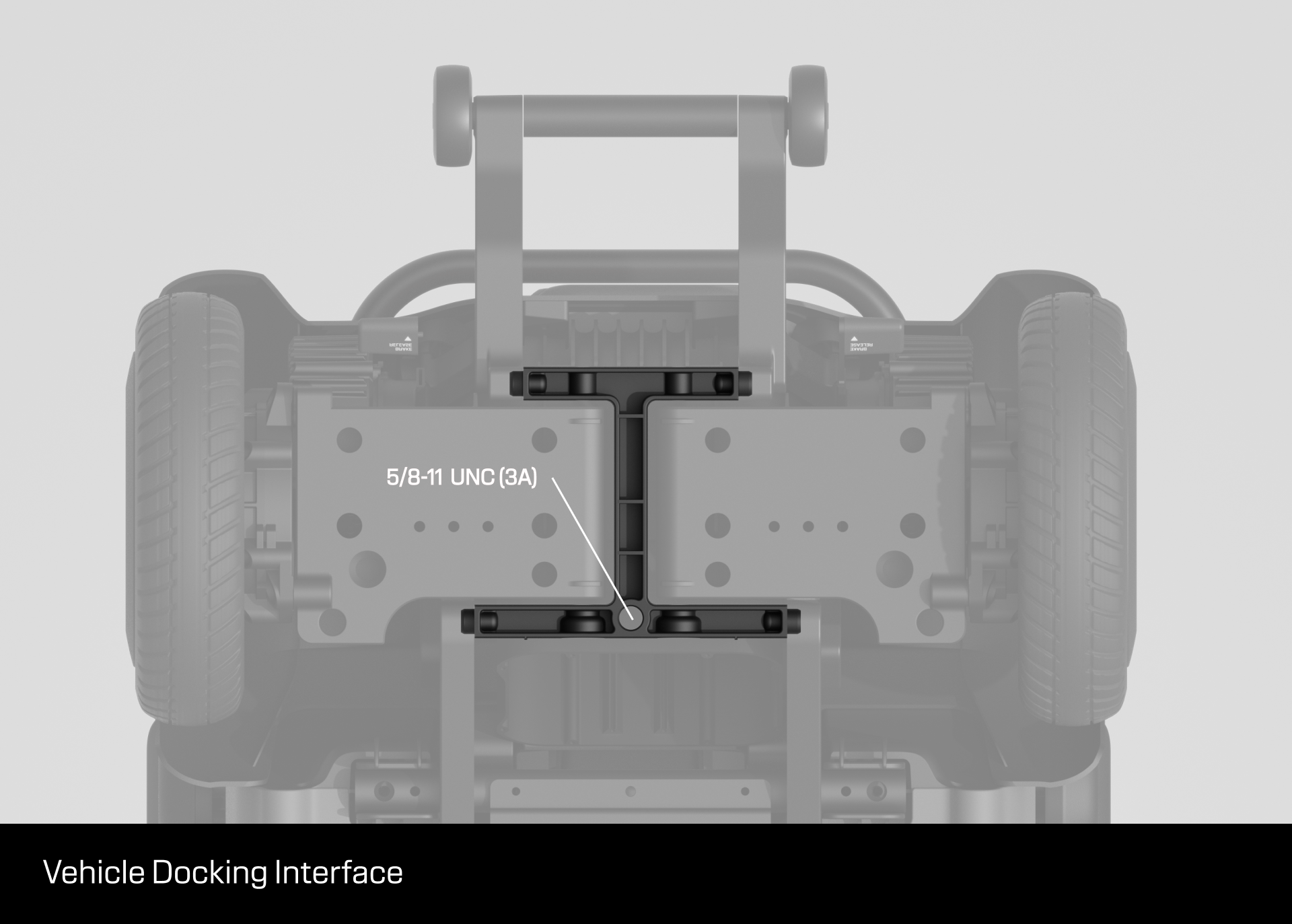
3. Vehicle Docking Interface
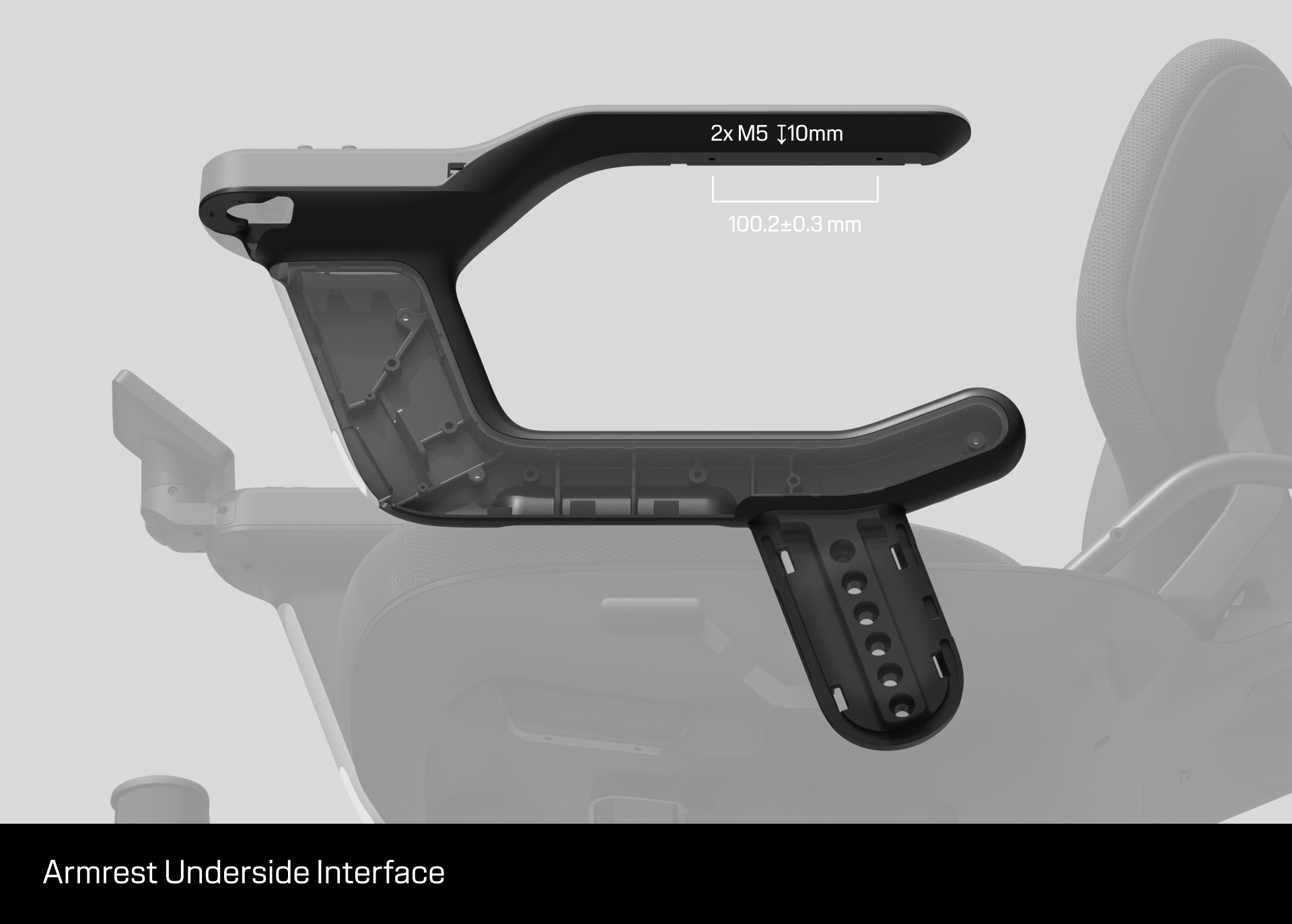
4. Armrest Underside Interface
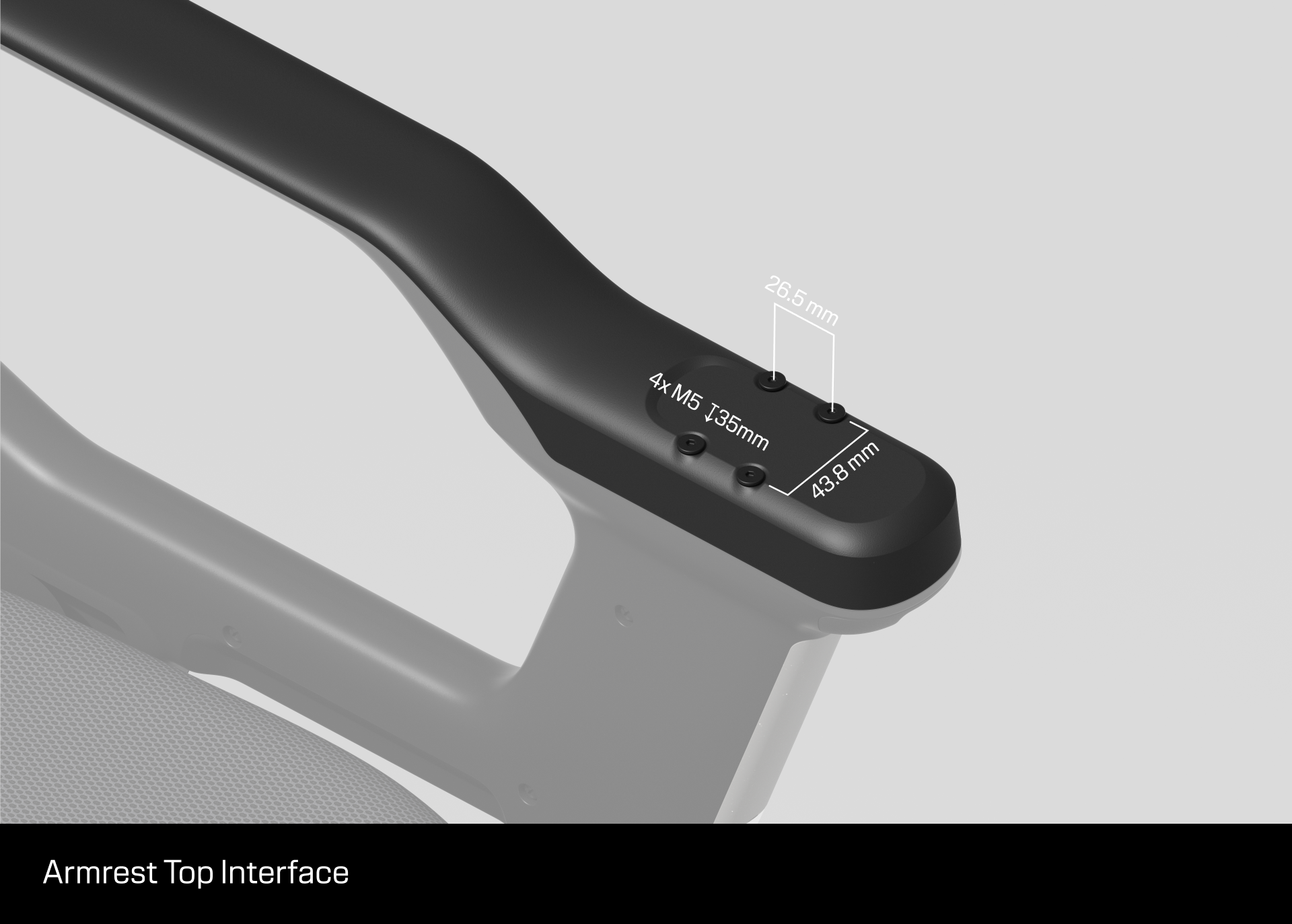
5. Armrest Top Interface
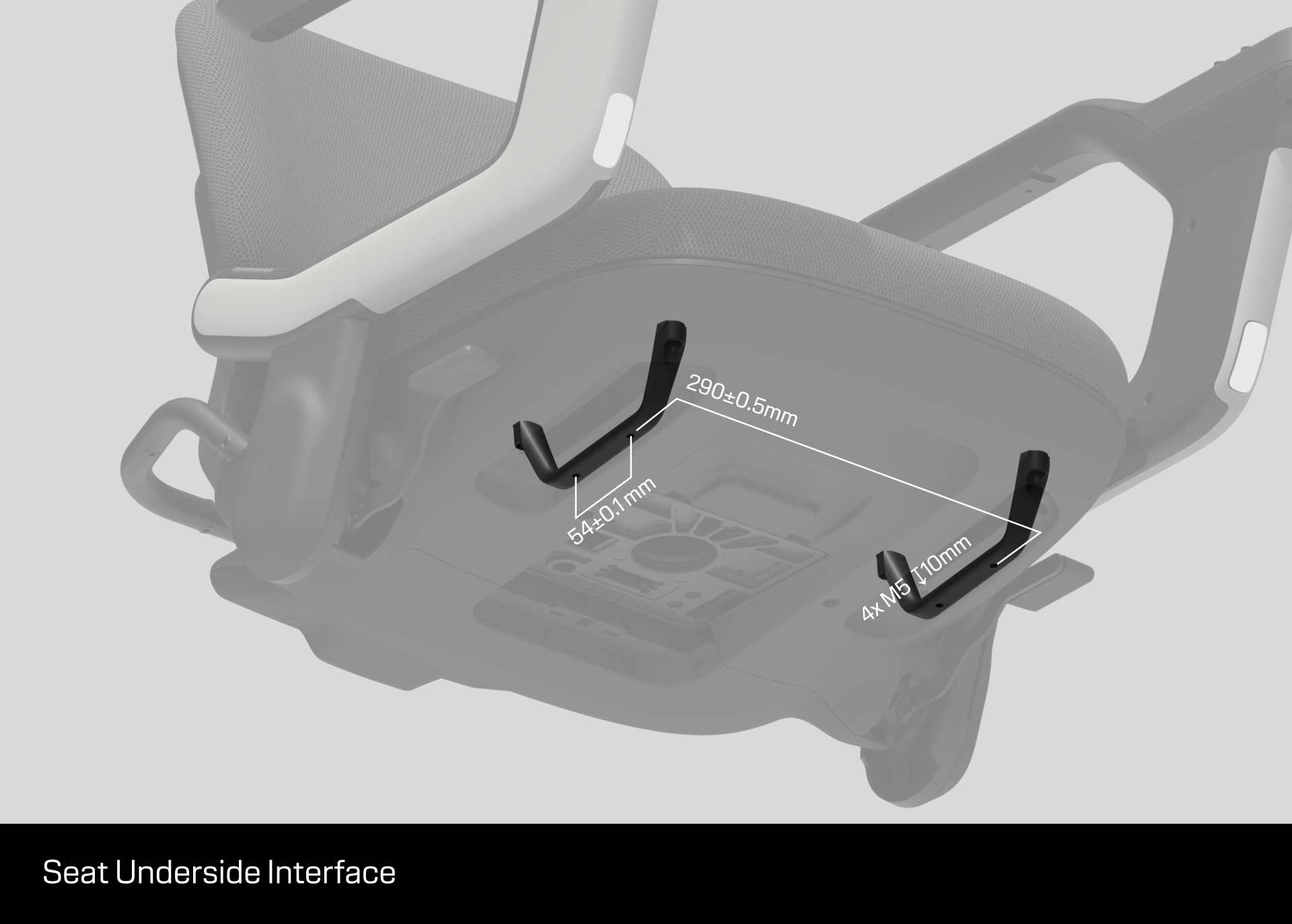
6. Seat Underside Interface
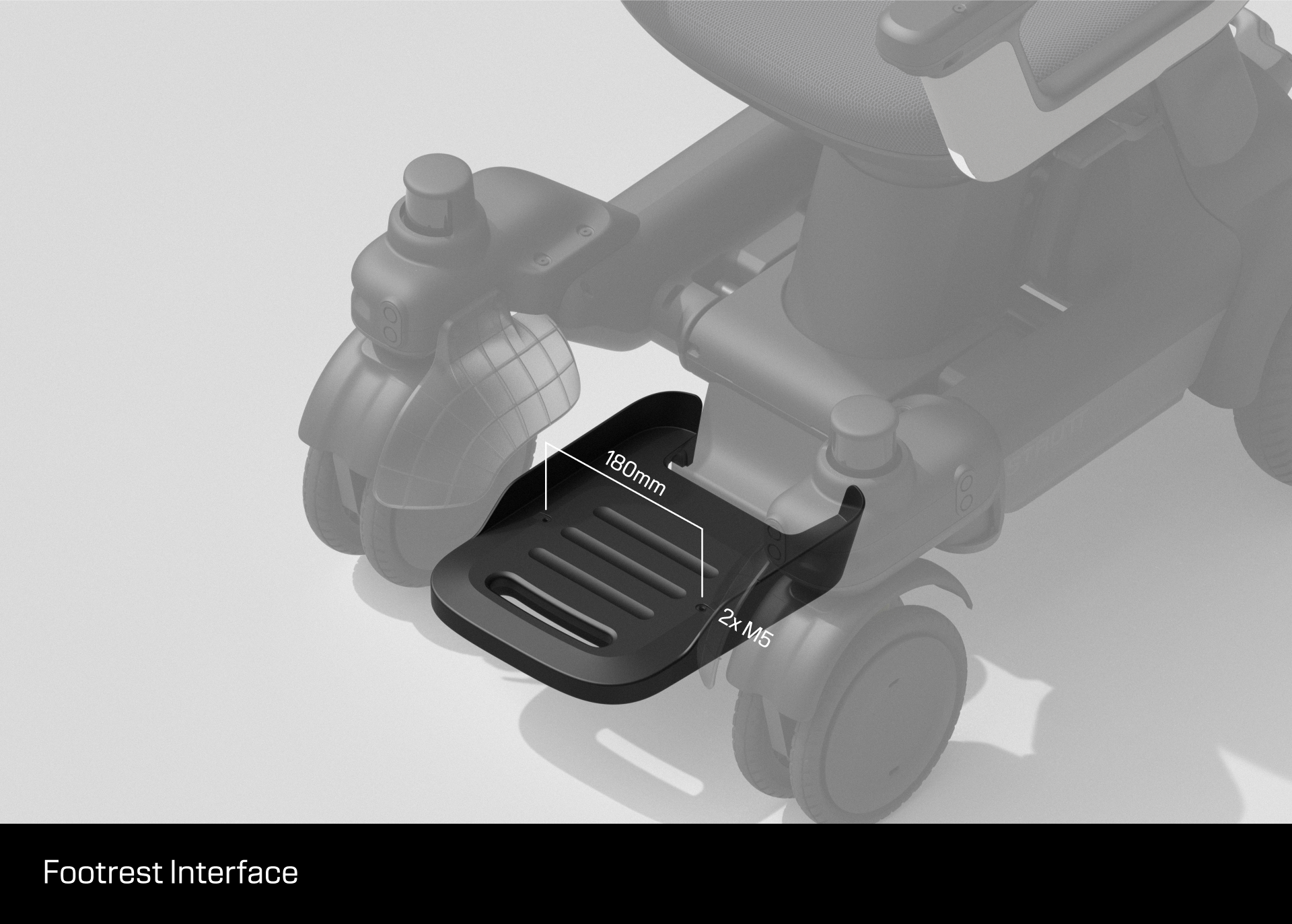
7. Footrest Interface
Parts Repository
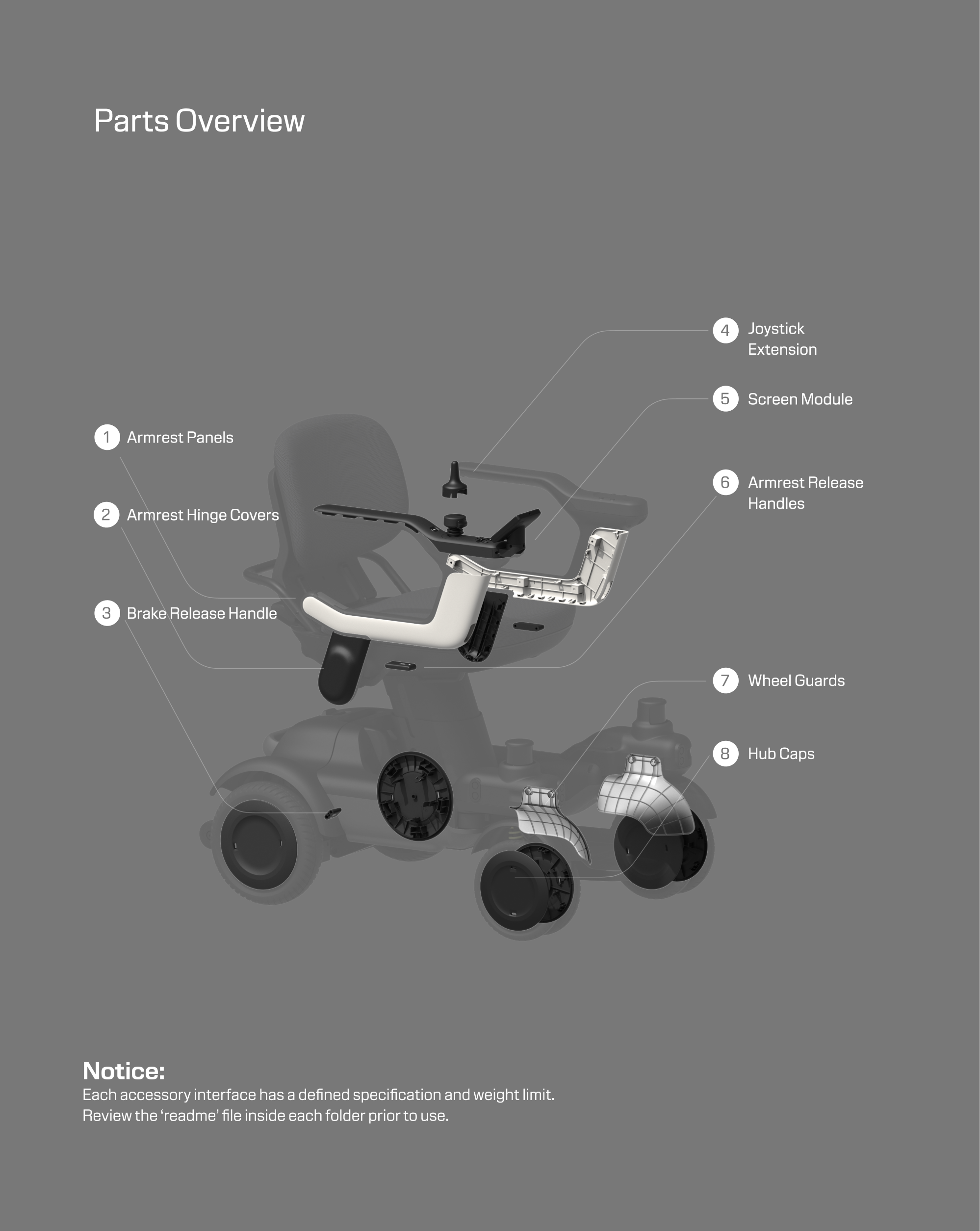
Customize or replace parts with these downloadable files.
Download
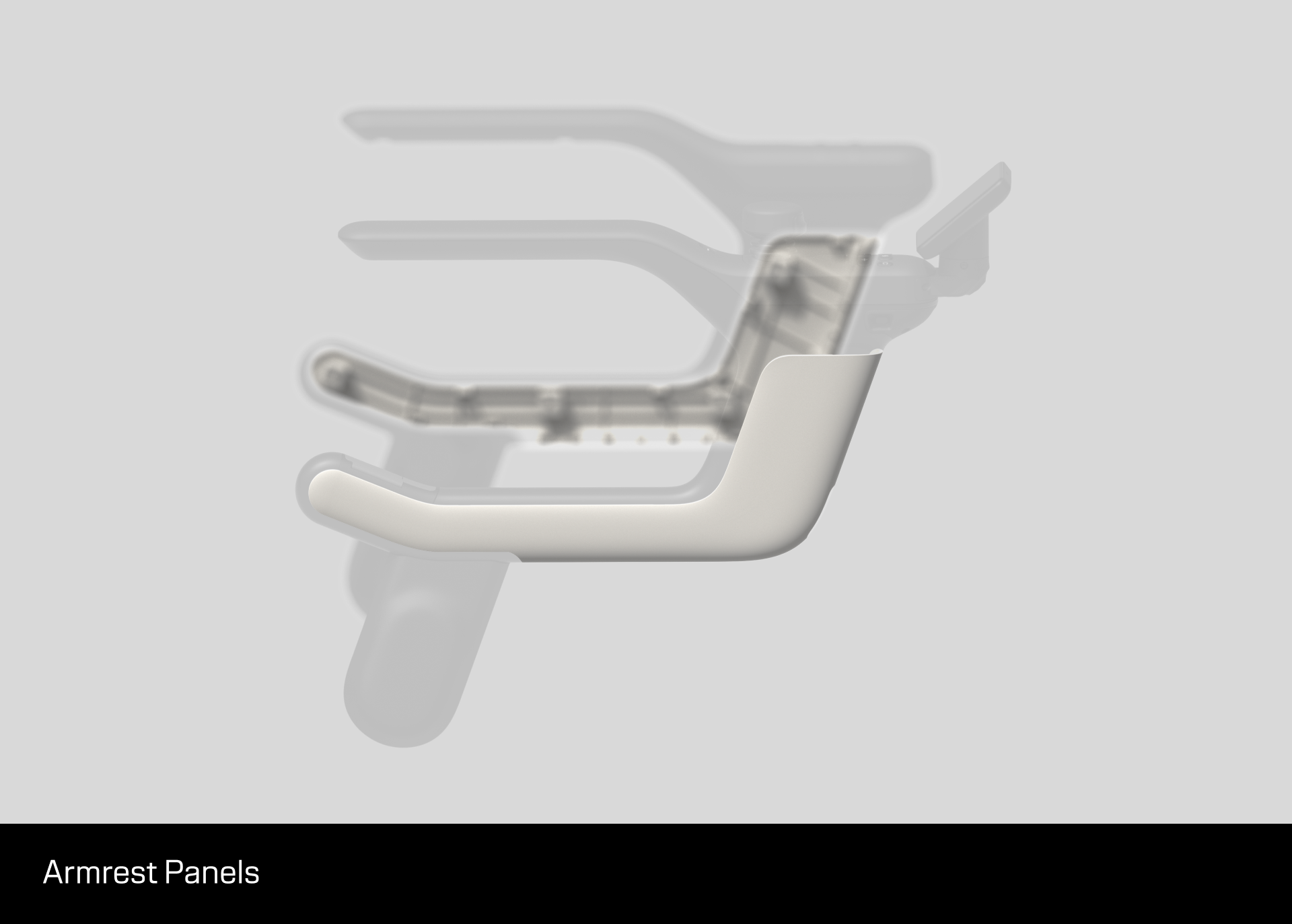
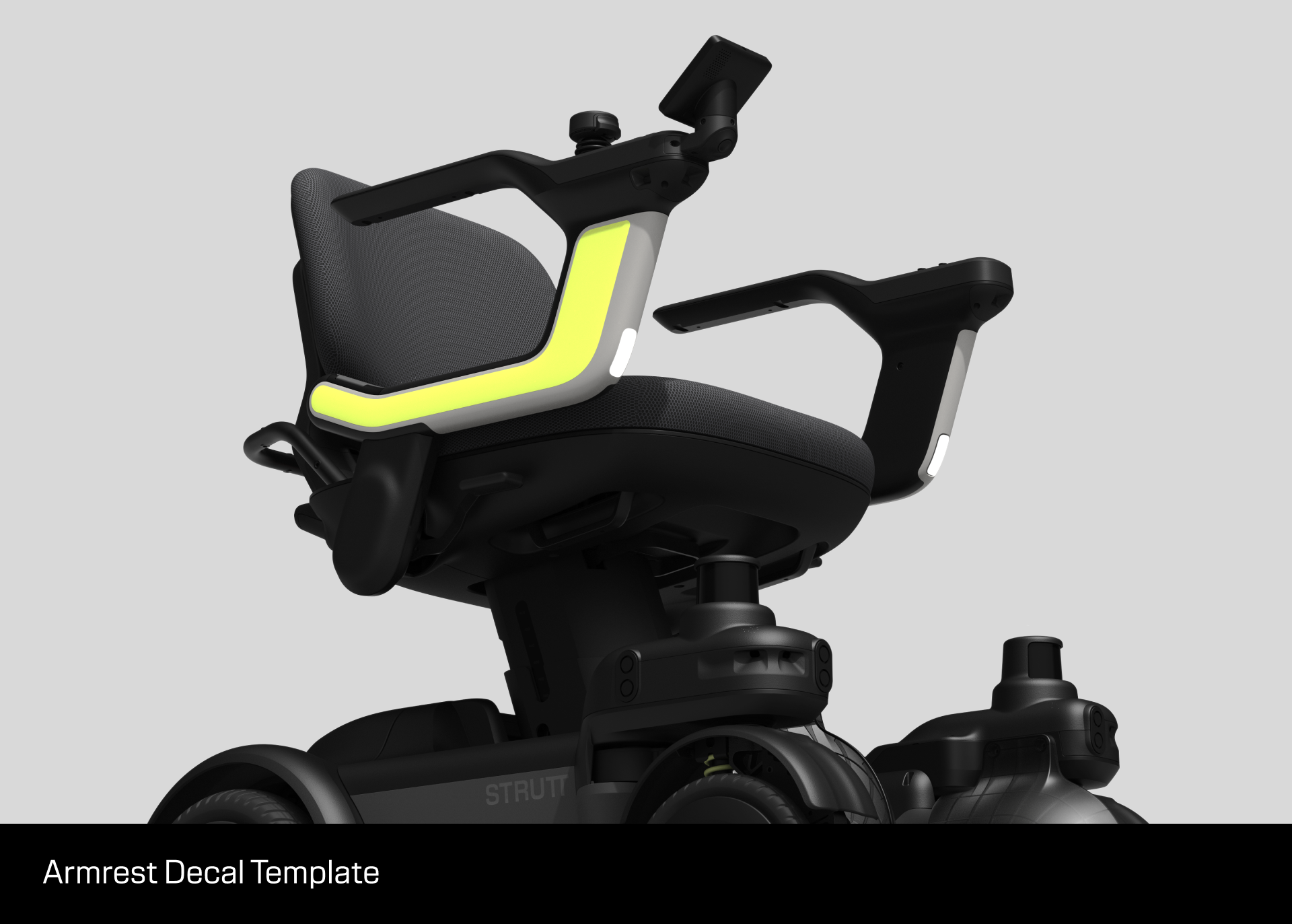
1. Armrest Panels
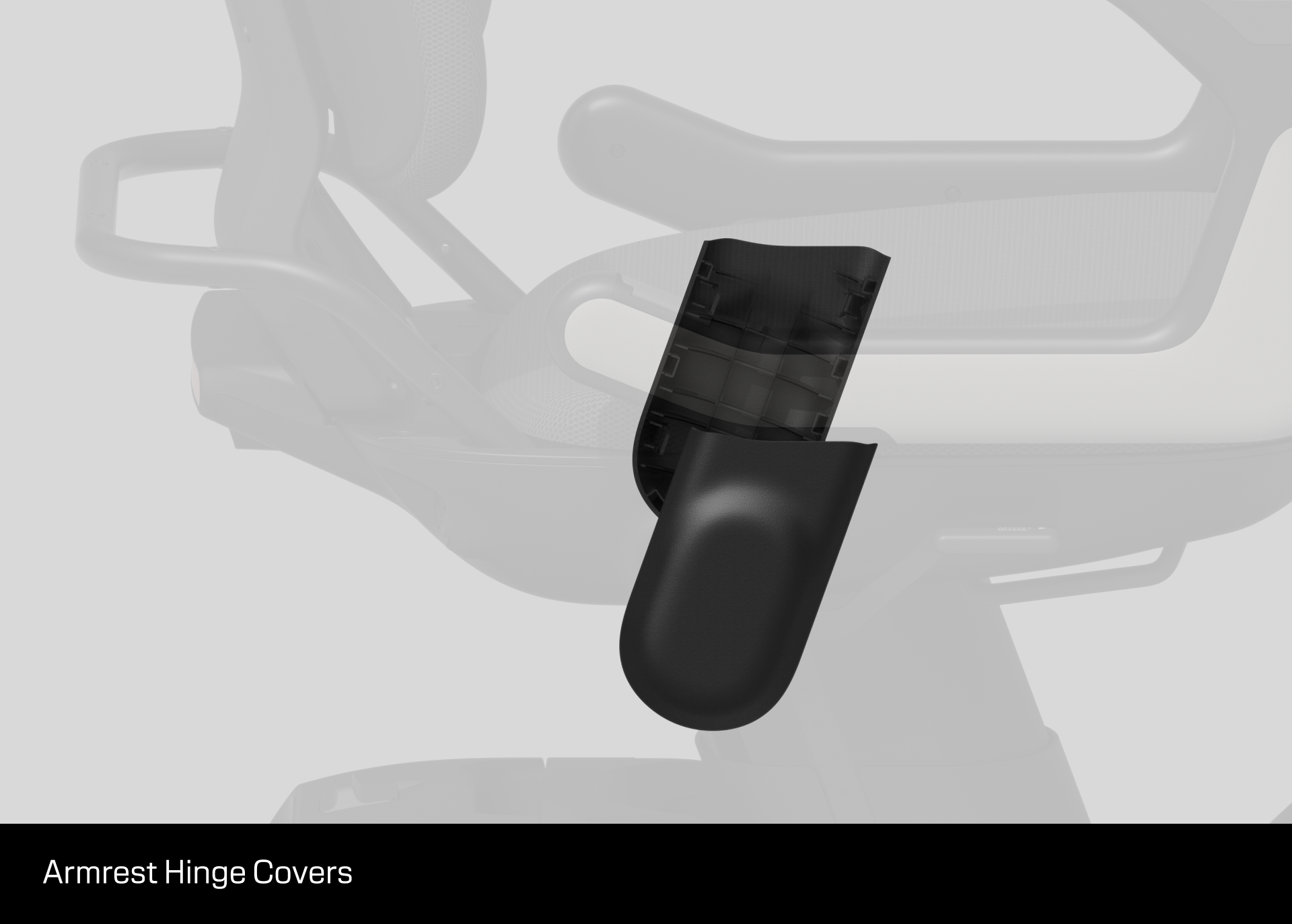
2. Armrest Hinge Covers
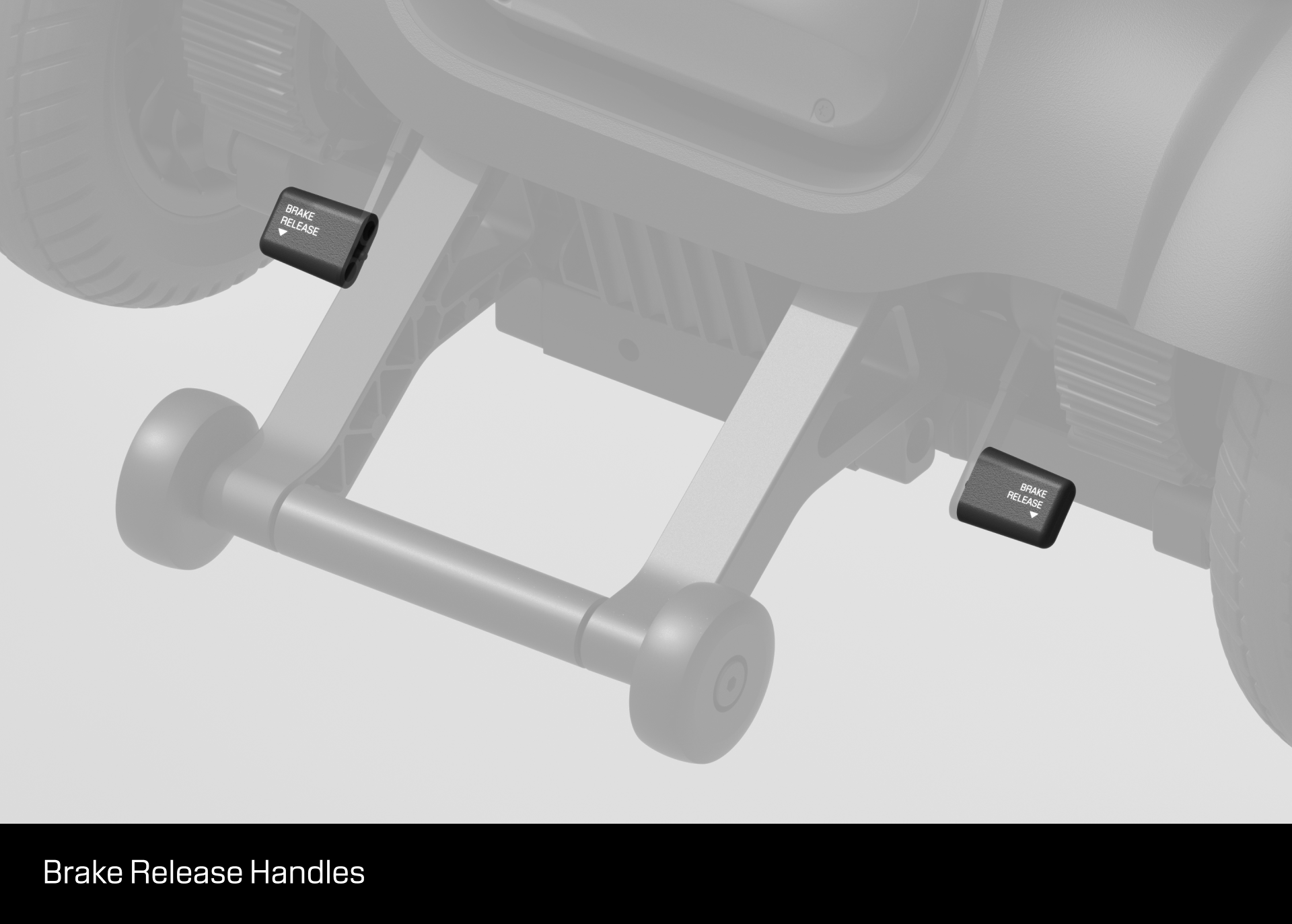
3. Brake Release Handles
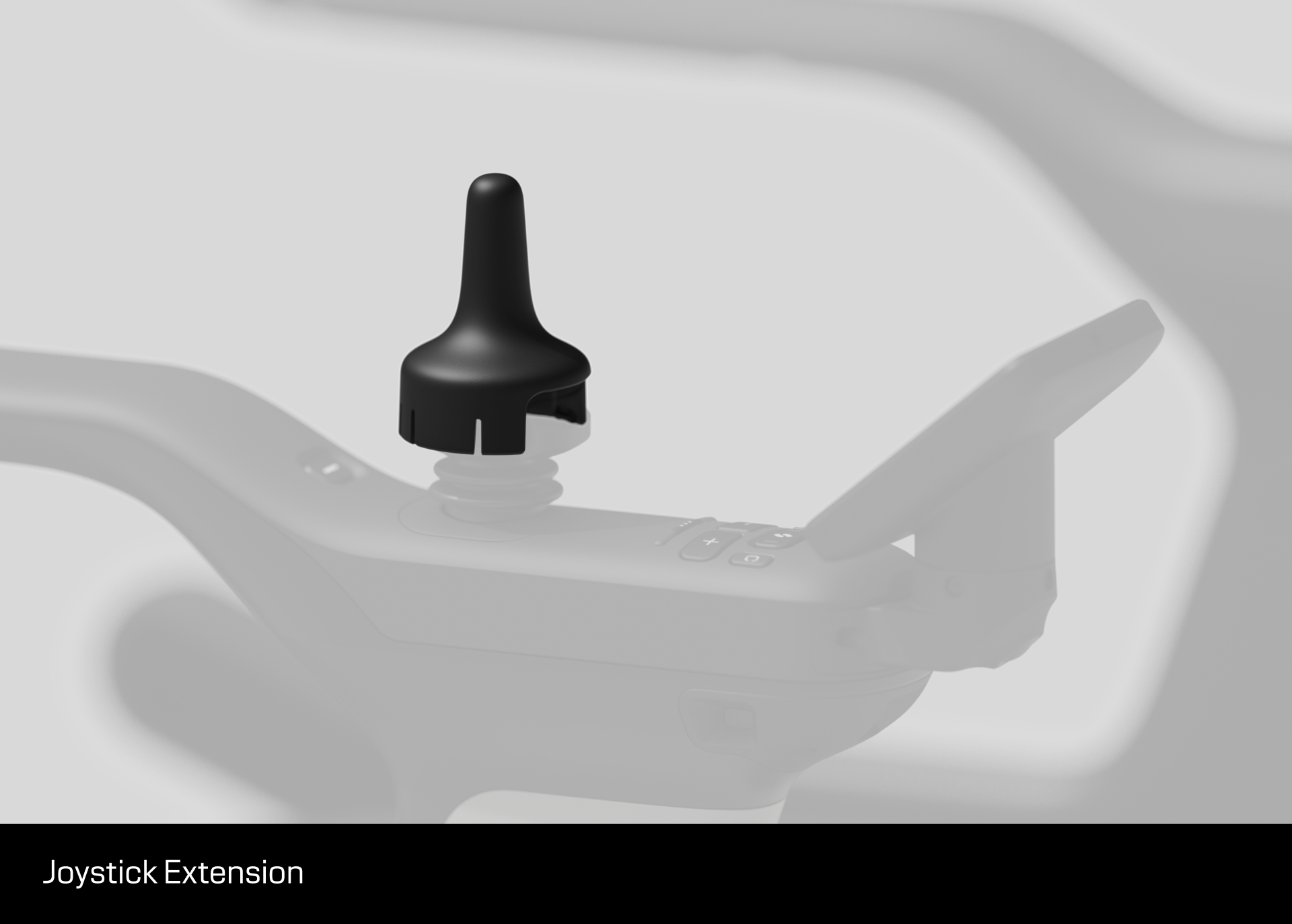
4. Joystick Extension
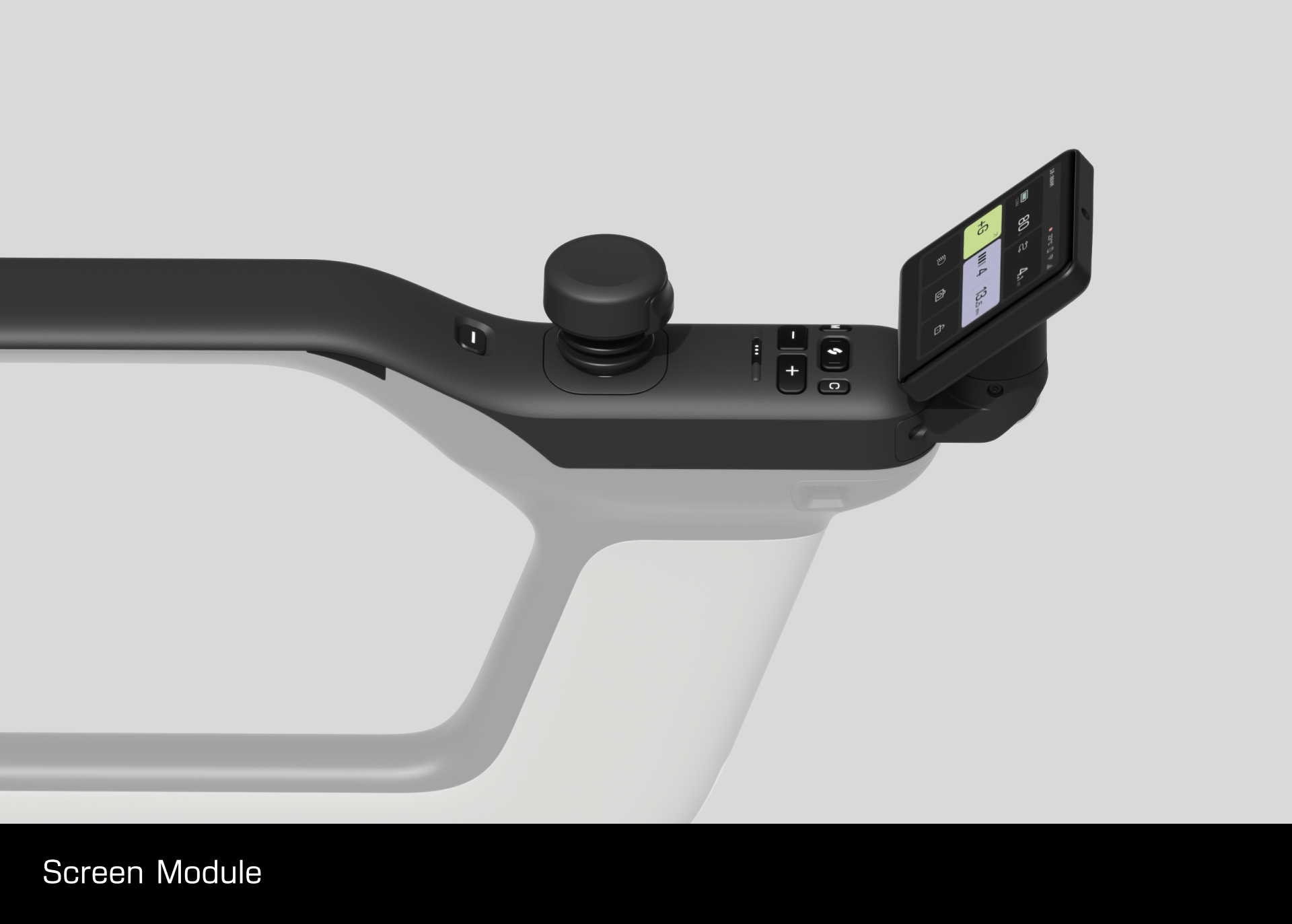
5. Screen Module
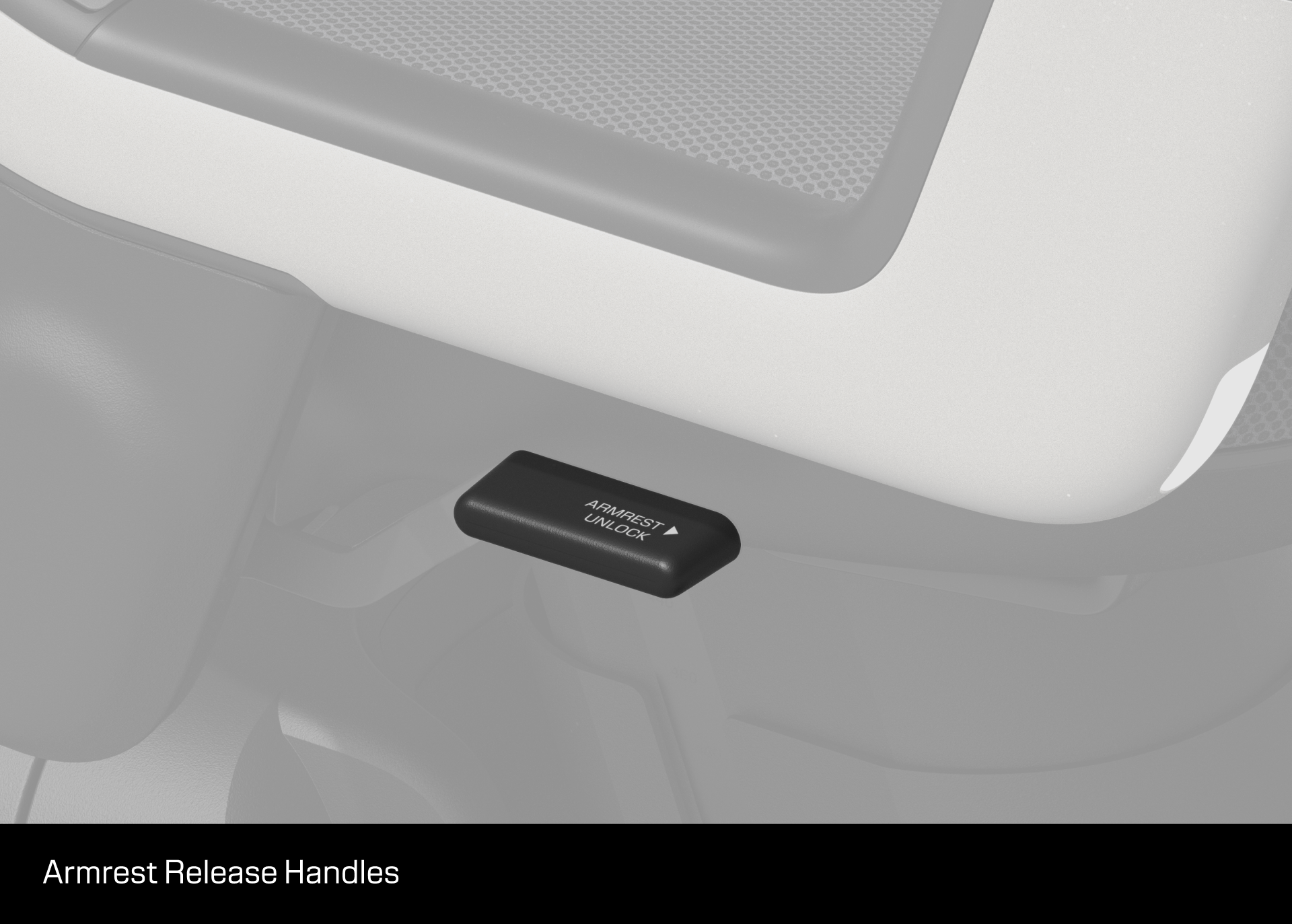
6. Armrest Release Handles
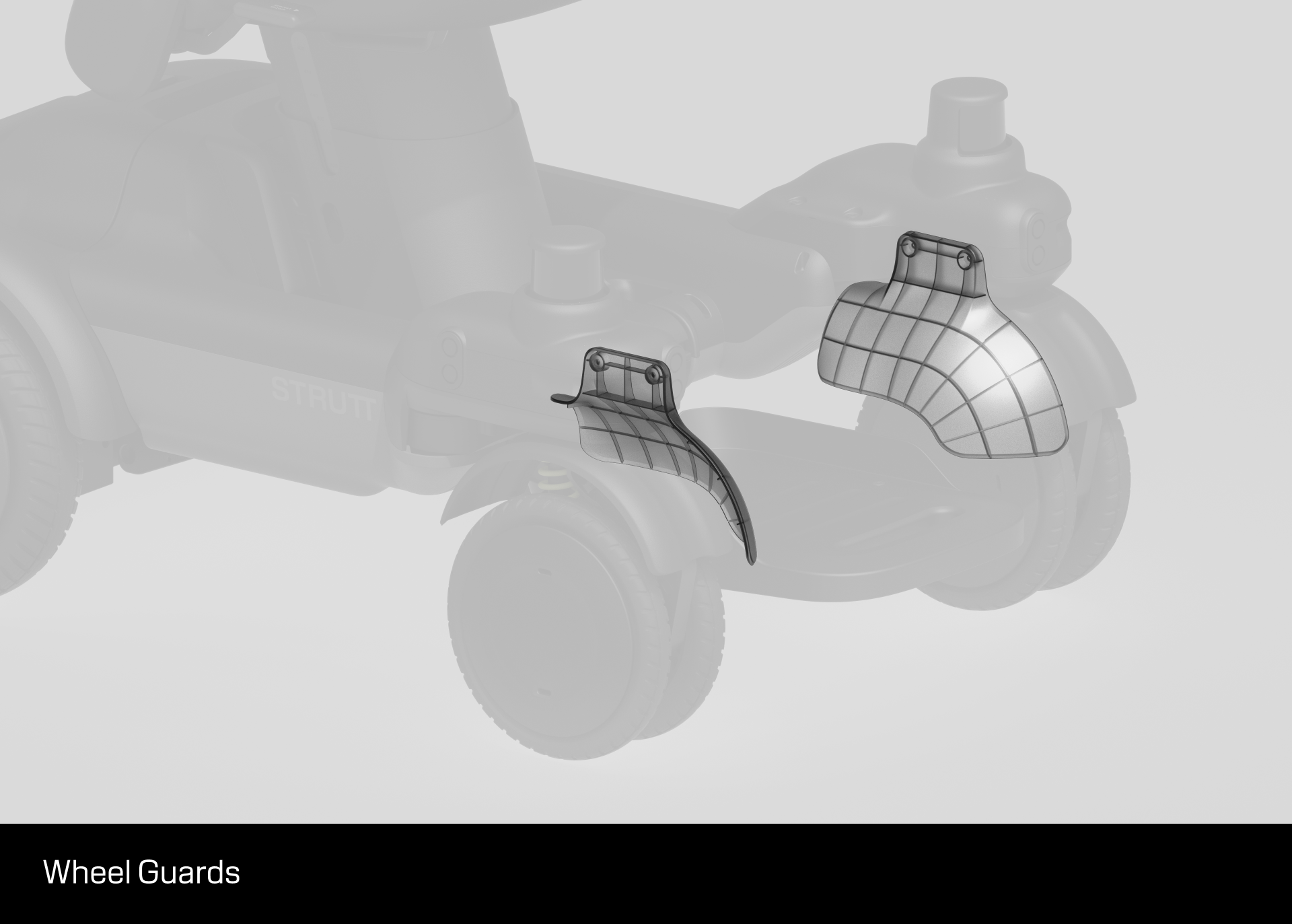
7. Wheel Guard
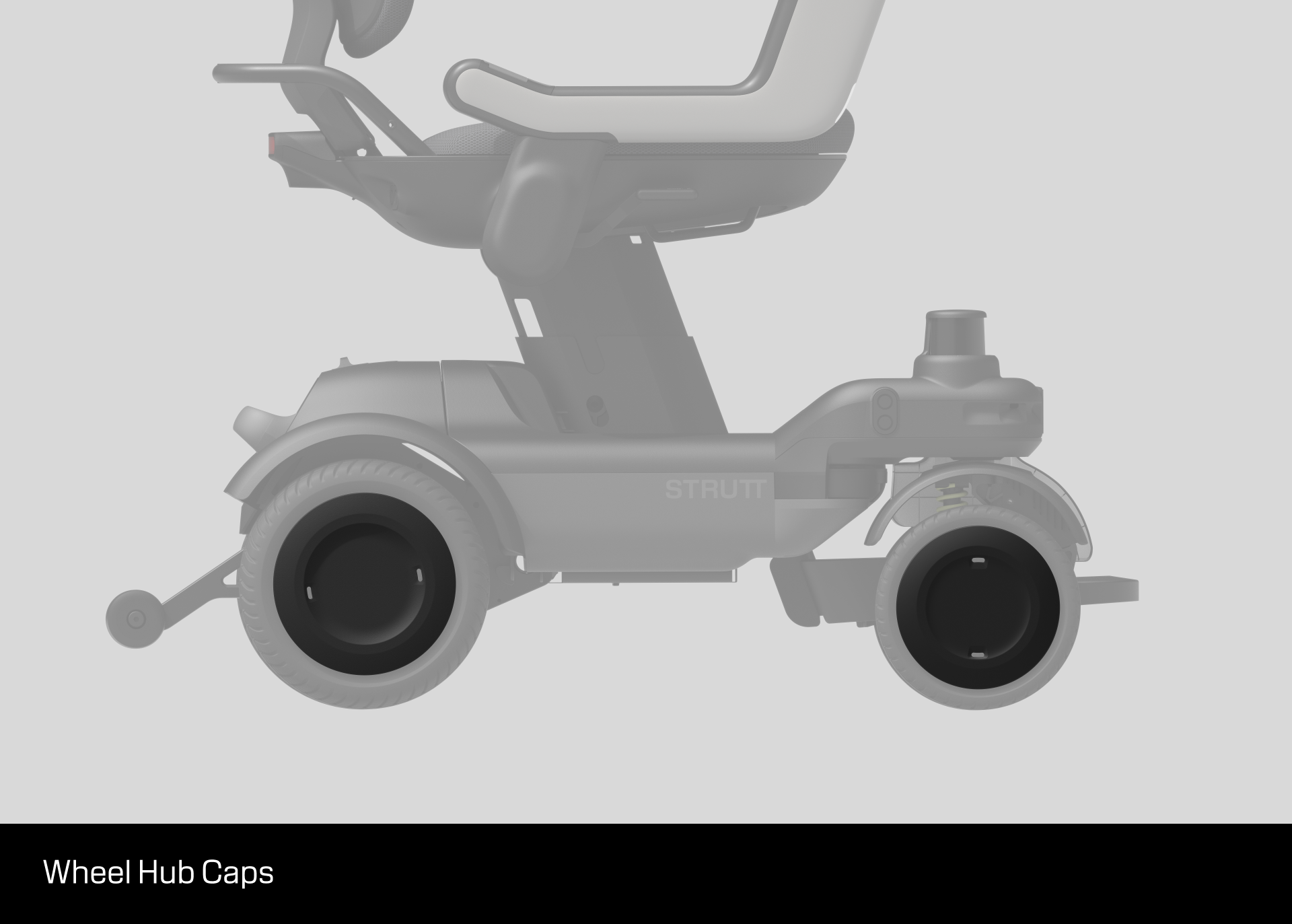
8. Hub Caps
Decals
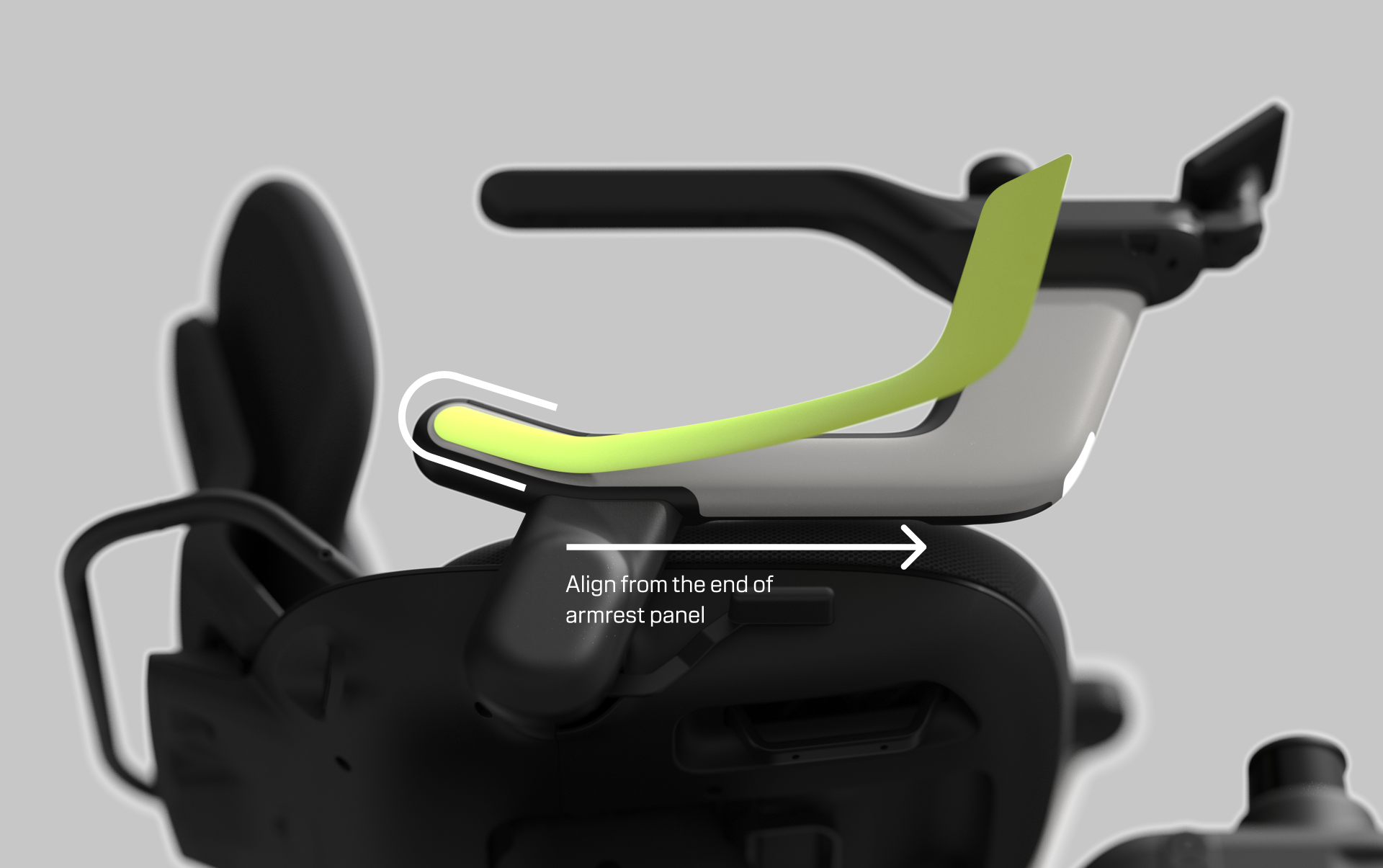
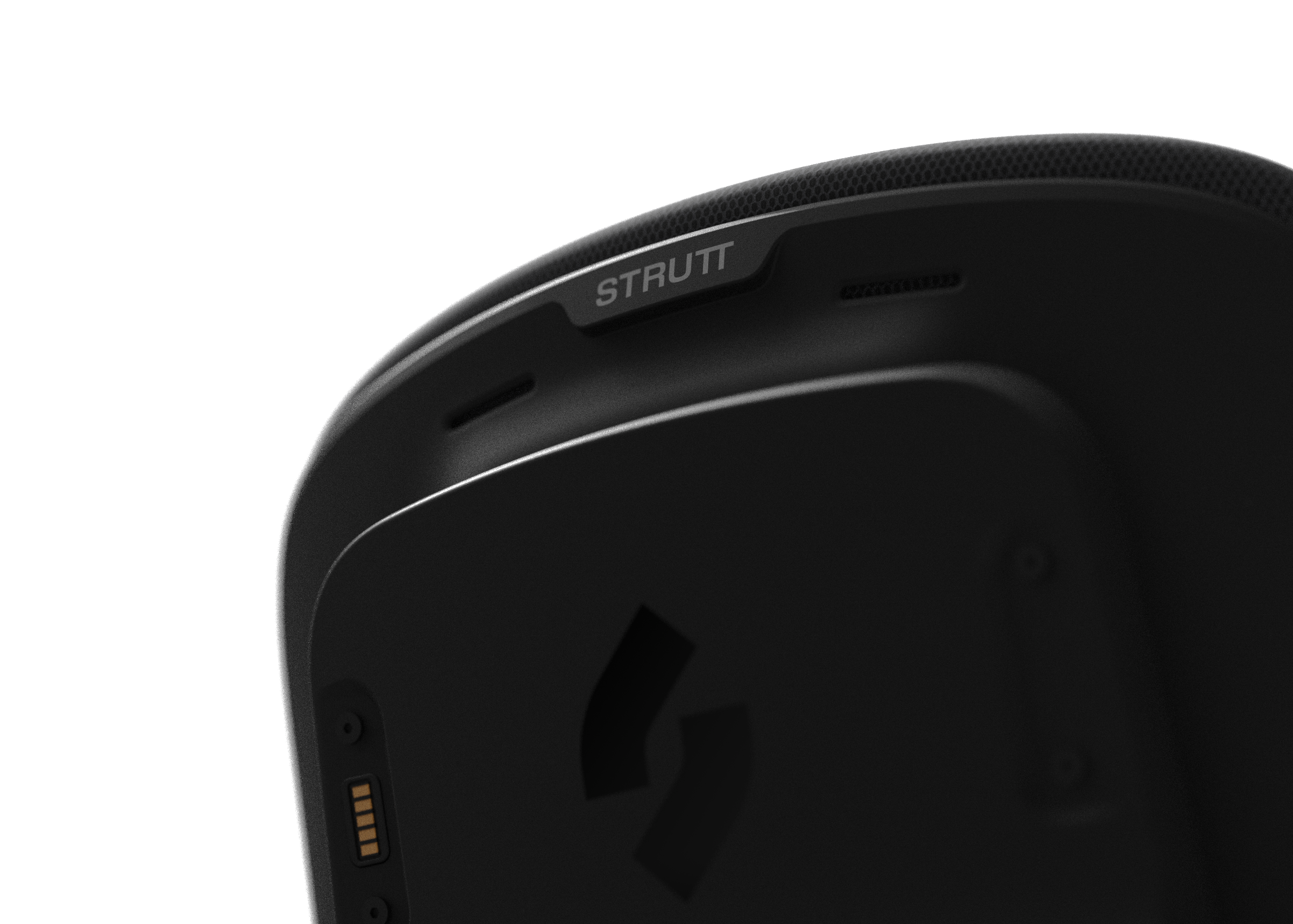
Create custom stickers with these downloadable templates.
Download
1:1 Armrest Panel Sticker SVG
1:1 Backrest logo Sticker SVG
1:1 Chassis logo Sticker SVG
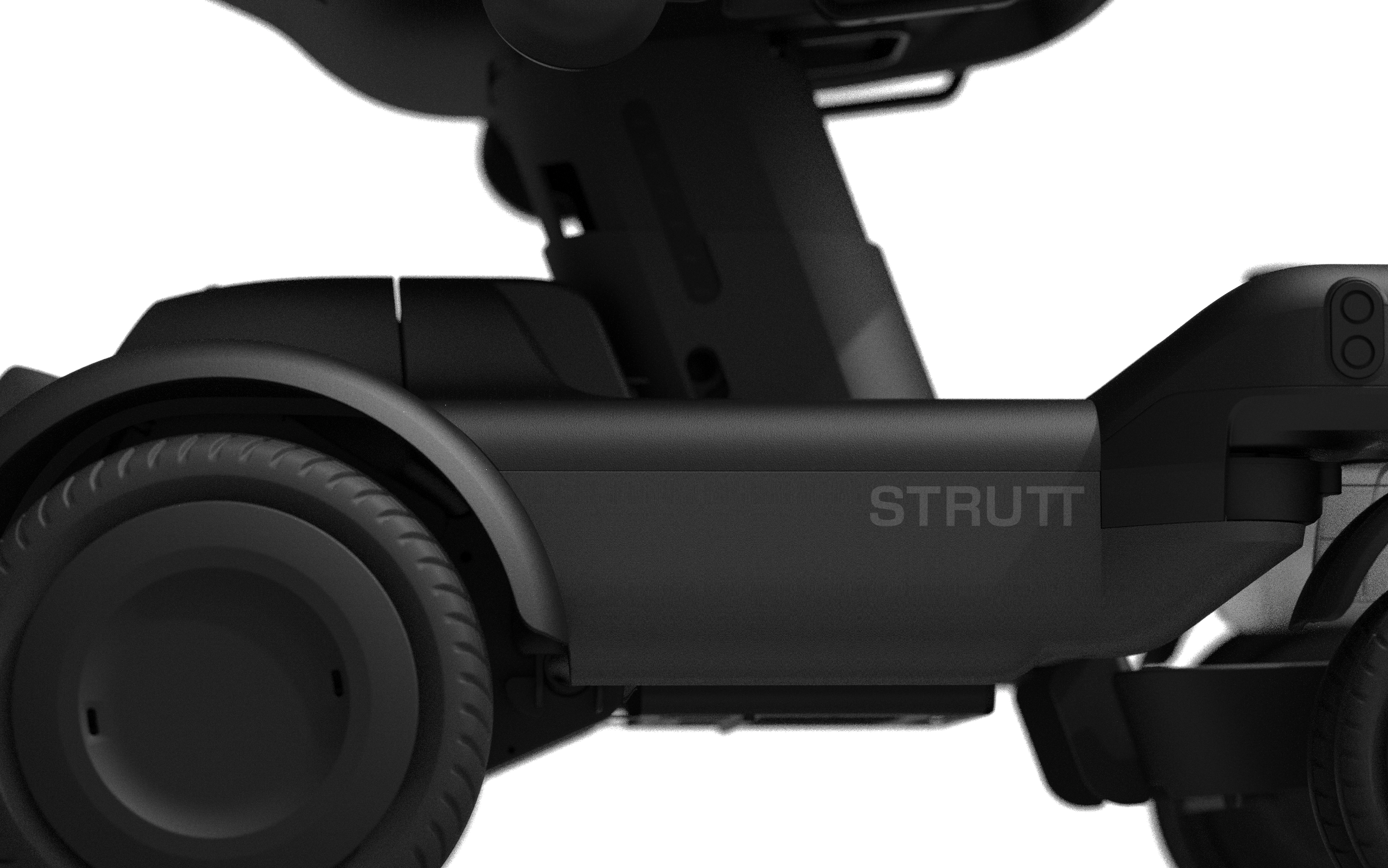
ev¹ Whole Vehicle 3D
Introduction to file types:
- DXF (2D drawing): Can be imported into 2D design software (eg. Adobe Illustrator or Affinity) or a CAD application, and is suited to creating flat designs for cutting fabric or sending to a laser cutter.
- PDF (2D reference): View or print at 100% scale for dimension checks, assembly reference, and hand fabrication templates.
- STEP / IGES (CAD / engineering): Open in CAD software (eg. SolidWorks, Fusion 360, Rhino, etc.) to take precise measurements, edit geometry, and design 3D parts for the ev¹.
- STL (3D printing): Directly import into a slicer to print a copy (eg. Cura, PrusaSlicer, Bambu Studio).
- GLB (web / AR preview): Preview in a browser or WebAR viewer, share a lightweight 3D model online, and check proportions before manufacturing.
- USDZ (iOS AR preview): Open on an iPhone or iPad to view in AR, visualise the ev¹ in a real space, and preview size, clearance, and placement.


